Lead, site photos, scope, quotation and expected payment stage are recorded before movement.
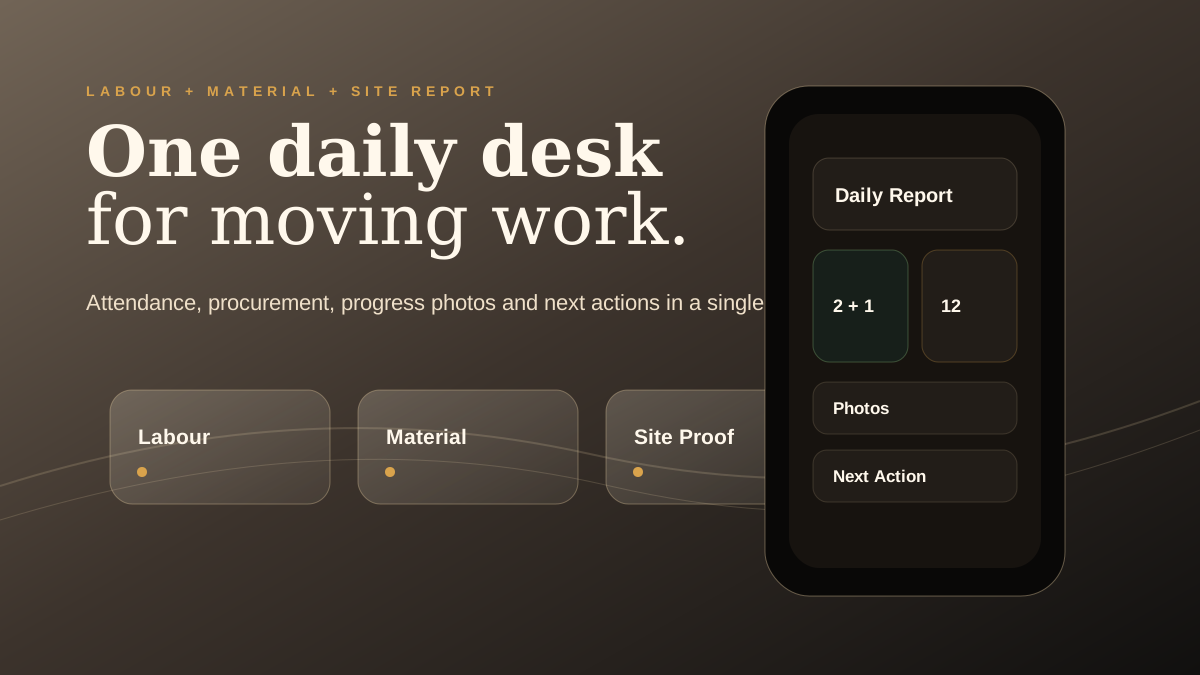
Daily Site Reports
Daily site report app for contractors: the report that protects tomorrow
Daily site reports are not paperwork. For contractors, they are the memory of the site, the proof of progress and the cleanest way to keep tomorrow from starting with confusion.
Need this design for your home?
Get a free quotation on WhatsApp. Share photos, wall sizes, budget and location so AlterCraft can guide the next practical step.
Get free quotation on WhatsAppA useful report should be short enough to complete daily and strong enough to support payment, dispute, material and labour decisions later.
5 minutesTarget time for a simple daily update4 proofsAttendance, progress, material and photos1 ownerEvery next action needs one responsible person0 confusionTomorrow begins with a visible status
What a daily report should include
The report should capture labour present, work completed, work pending, material used, material required, site photos, customer instruction, issue notes and the next action owner. Anything more can be optional, but these details should not be skipped.
Need this design for your home?
Get a free quotation on WhatsApp. Share photos, wall sizes, budget and location so AlterCraft can guide the next practical step.
Get free quotation on WhatsAppContractor Desk is built to make this routine visible in a mobile flow so the report becomes a habit, not a special task.
Photos must be labelled by purpose
Site photos are powerful only when someone understands why they were taken. A progress photo, issue photo, damage photo, measurement photo and handover photo are not the same thing. The app direction should encourage labels so the proof remains useful months later.
How reports improve client communication
Instead of sending scattered messages, the manager can summarize the day professionally: what was done, what is pending, what is required from the client and what will happen next. This reduces panic calls and improves trust.
Suggested daily rhythm
- Open job card before leaving the site.
- Tick attendance and work completed.
- Add material used and material required.
- Upload progress and issue photos.
- Assign tomorrow's next action to one person.
Questions contractors ask
Should reports be sent to the customer daily?
Not always. Some reports can stay internal, while important progress or approvals can be shared with the customer.
Can site photos replace written notes?
No. Photos support notes, but the reason for the photo should still be written.
Why does this matter for payments?
A clean daily trail makes milestone follow-up more credible and reduces arguments about progress.
Want Contractor Desk for your execution team?
Ask AlterCraft for APK access, onboarding and backend setup direction. Start with payment gates, site reports and cash discipline before adding more automation.
Request Contractor Desk access Download APK
Need this design for your home?
Get a free quotation on WhatsApp. Share photos, wall sizes, budget and location so AlterCraft can guide the next practical step.
Get free quotation on WhatsApp