Lead, site photos, scope, quotation and expected payment stage are recorded before movement.
Contractor Management App
What a contractor management app in India must actually solve
Indian contractor work is fast, local, phone-driven and payment-sensitive. A useful contractor management app should respect that reality instead of forcing a heavy corporate project-management system on a small execution team.
The first version should not try to impress with complicated charts. It should make the next action obvious: who has to pay, who has to work, what material is needed, what proof is missing and what should not move today.
Phone-firstDesigned for phone calls, WhatsApp follow-ups and site visitsPayment stagesPayment stages are recorded with each jobRole-basedFounder, manager and worker access levelsJob proofPhotos, notes and confirmations are attached to the job
The real Indian contractor workflow
A contractor may start the day by checking a pending advance, sending a carpenter to one site, arranging plywood for another, following up on a quotation, visiting a disputed client and answering ten calls. If the app is too heavy, it will not survive this day.
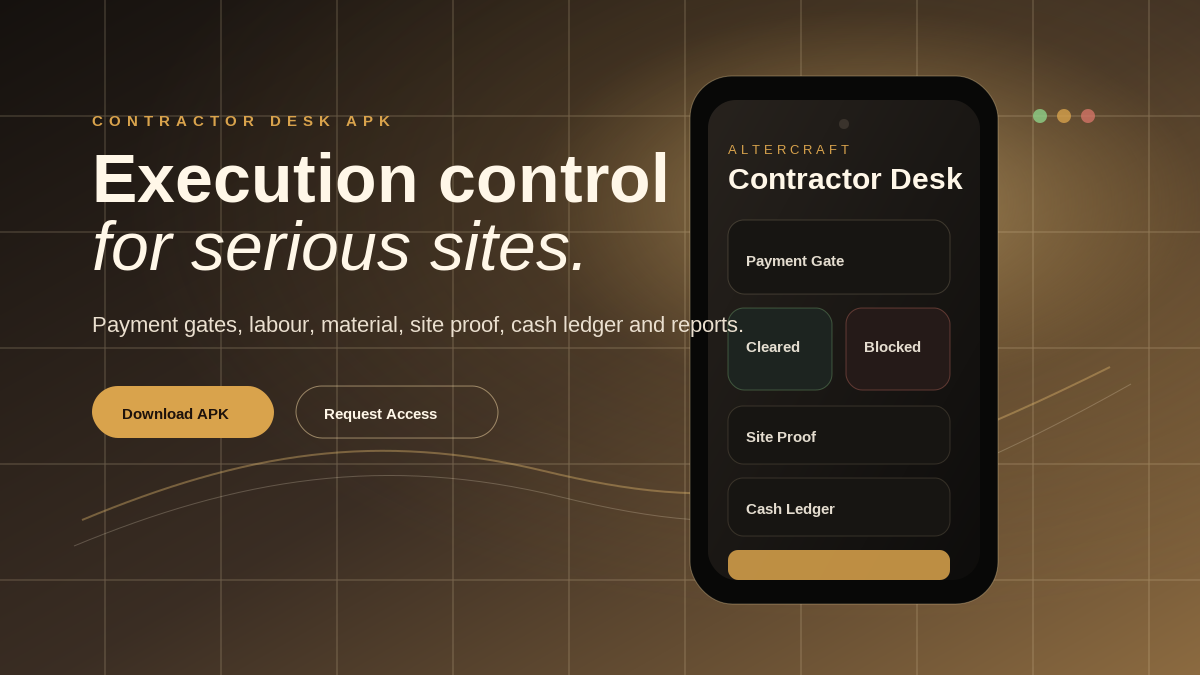
Contractor Desk is shaped for field reality. It keeps the dashboard direct: active work, payment pending, labour deployed, proof missing and blocked actions. The operator does not need a long training session to understand where attention is required.
The core modules that matter
| Module | Why it matters | Contractor Desk direction |
|---|---|---|
| Leads | New enquiries are easy to forget when they live only in chat. | Capture lead, phone, job type, value and next action. |
| Jobs | Every active order needs status and owner visibility. | Move from lead to quotation, advance, production, execution and handover. |
| Cash | Contractor profit disappears when job money mixes with daily expenses. | Split money into material, labour, reserve, debt, tools and profit buckets. |
| Reports | Daily verbal updates are weak during payment or scope disputes. | Keep daily work, photos, issues and next steps inside the job record. |
Why role levels are important
A founder should not see the same screen as a worker. The founder needs risk, cash and dispute visibility. A manager needs job movement, team assignment and follow-up. A worker needs simple daily tasks and report submission. This is why Contractor Desk is moving toward a three-level access model: L3 Founder, L2 Manager and L1 Worker.
Content angle for promotion
The strongest marketing message is not "software for contractors." It is "control site chaos before it becomes cash loss." Articles, reels and slides should talk about payment gates, proof before emotion, labour visibility and material movement because those are the words contractors feel in daily work.
Questions contractors ask
Can a small contractor use this?
Yes. The app direction is intentionally mobile-first and simple enough for small teams.
Does it replace accounting software?
No. It gives field-level cash and job discipline. Full accounting can be integrated later if required.
What is the best first module to use?
Start with jobs and payment gates to see job status and pending stages.
Want Contractor Desk for your execution team?
Ask AlterCraft for APK access, onboarding and backend setup direction. Contractor Desk includes payment gates, site reports and a cash ledger.
Request Contractor Desk access Download APK