Lead, site photos, scope, quotation and expected payment stage are recorded before movement.
APK Installation
Contractor Desk APK installation and first-use guide
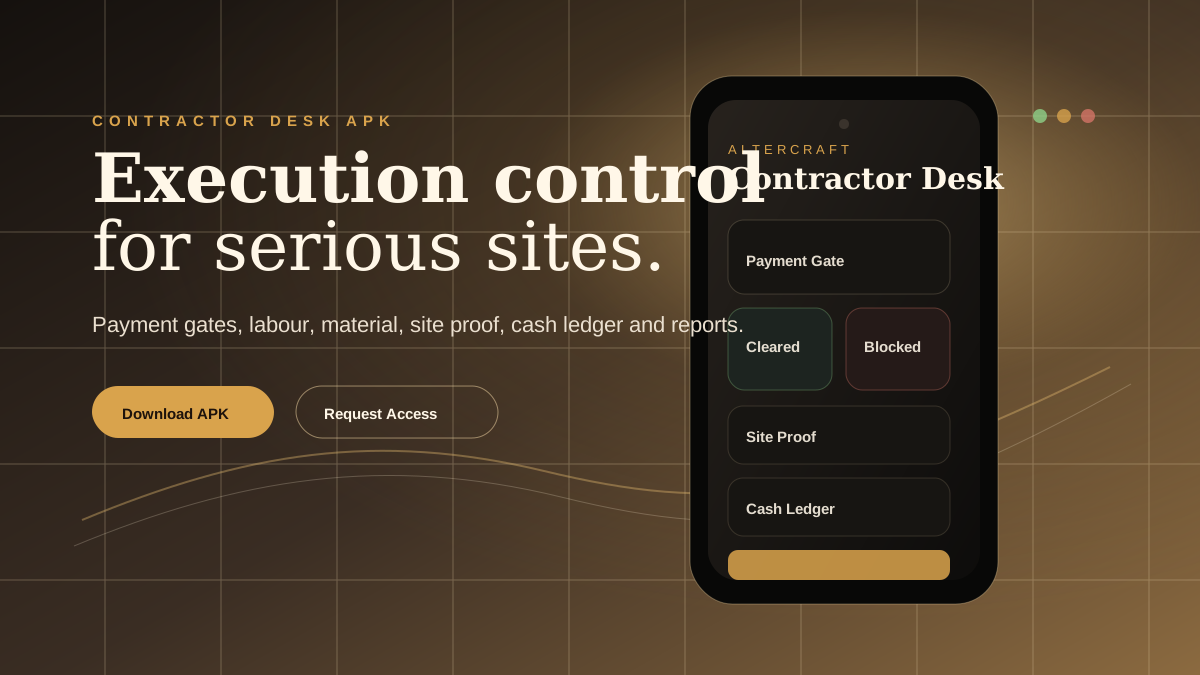
This guide explains how a contractor, manager or AlterCraft operator can download the current OperatorDesk APK and start using the mobile workflow carefully.
Need this design for your home?
Get a free quotation on WhatsApp. Share photos, wall sizes, budget and location so AlterCraft can guide the next practical step.
Get free quotation on WhatsAppThe current APK should be treated as an early product build. Install it for review, field workflow testing and controlled rollout, not as a public mass-market release.
DownloadUse the APK link from the official AlterCraft pageSignupCreate the first operator account with correct detailsRoleUse the correct founder, manager or worker access levelTestAdd sample jobs before live operational use
Before installation
Use the APK from the official AlterCraft Contractor Desk page. Do not circulate renamed files in random chats because old builds can confuse the team. Keep one current link for operators and update it only after a tested release.
Need this design for your home?
Get a free quotation on WhatsApp. Share photos, wall sizes, budget and location so AlterCraft can guide the next practical step.
Get free quotation on WhatsAppIf Android asks for permission to install an APK, allow it only for the browser or file manager you trust. After installation, you can disable that permission again from Android settings.
First login and roles
The app direction includes a login gate and role-aware access: L3 Founder, L2 Manager and L1 Worker. The founder role should remain protected because it sees business-sensitive items like cash, disputes and user management. Managers can run jobs and reports. Workers should see only the tasks and updates they need.
What to test first
- Create one lead and convert it into a job.
- Add a payment stage and mark whether it is clear or pending.
- Create a labour or material note.
- Open the reports screen and check whether the flow feels natural.
- Try one dispute or proof file with sample data.
Rollout recommendation
Start with one founder and one manager before giving the APK to the wider team. The goal is to confirm the operating language: payment gate, job owner, daily report, cash bucket, proof file and next action. Once the team understands the language, the app becomes much more valuable.
Questions contractors ask
Where is the APK?
Use the official download link on the Contractor Desk page or this direct path: Download OperatorDesk APK.
Can I use it without the server?
Some mobile views can be reviewed locally, but proper team use needs the backend and login setup.
Should live customer data be entered immediately?
Start with sample data first, then move to live data after the team confirms the workflow.
Want Contractor Desk for your execution team?
Ask AlterCraft for APK access, onboarding and backend setup direction. Start with payment gates, site reports and cash discipline before adding more automation.
Request Contractor Desk access Download APK
Need this design for your home?
Get a free quotation on WhatsApp. Share photos, wall sizes, budget and location so AlterCraft can guide the next practical step.
Get free quotation on WhatsApp